
How it works
From sign up to the first kind nudge.
Five small steps and about a minute of your time. Here's exactly what happens, with real screens.
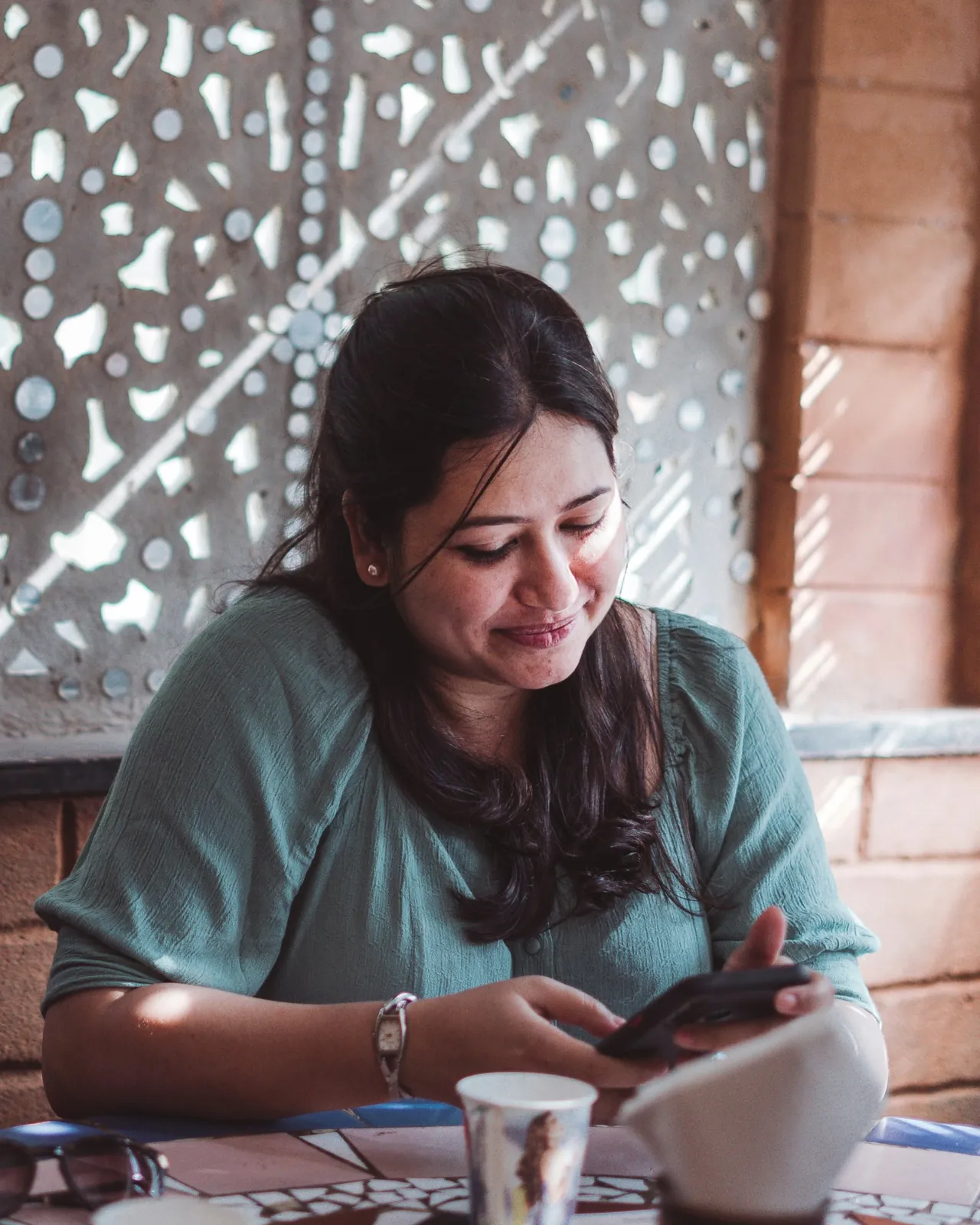
Create your account
In India, sign up with your number and a WhatsApp code. Elsewhere, use email and an emailed code. No credit card, no subscription.
Set up your cycle
Add your last period date and usual cycle length. Profession and timezone help us time reminders and pick useful guides.
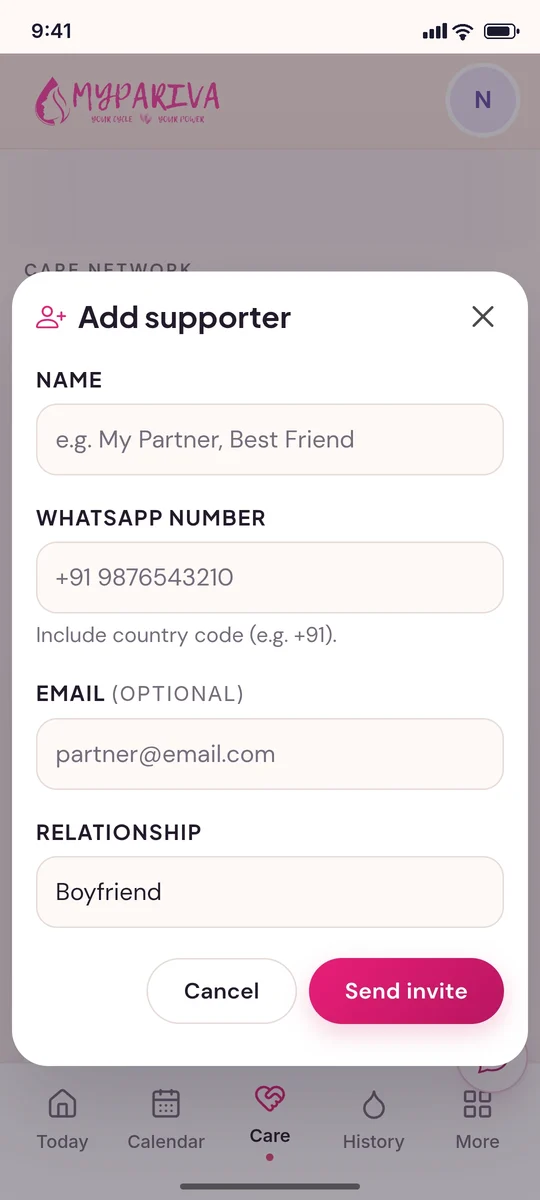
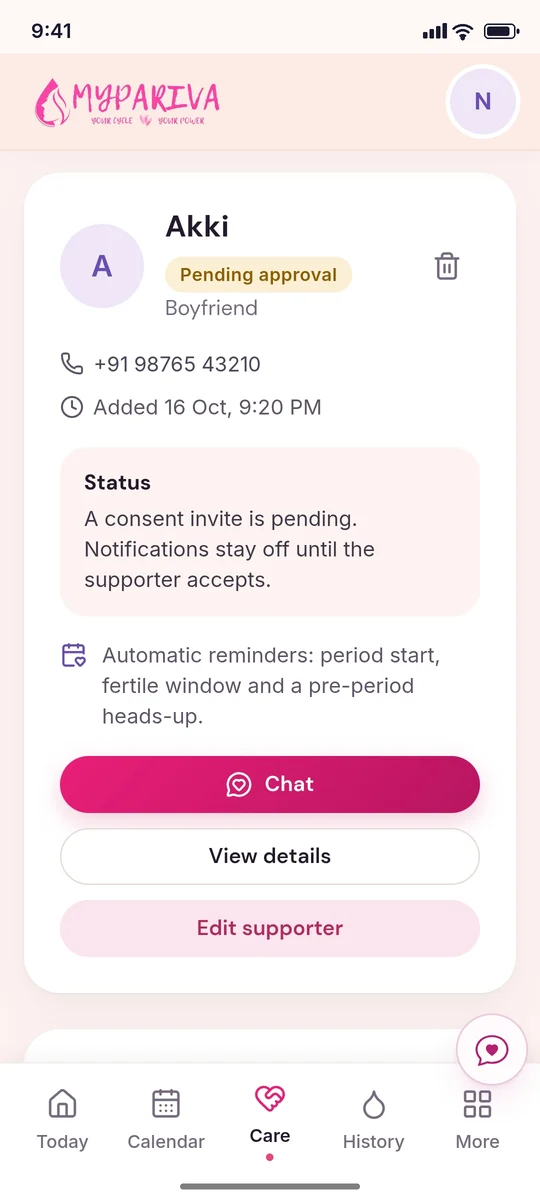
Add your care circle
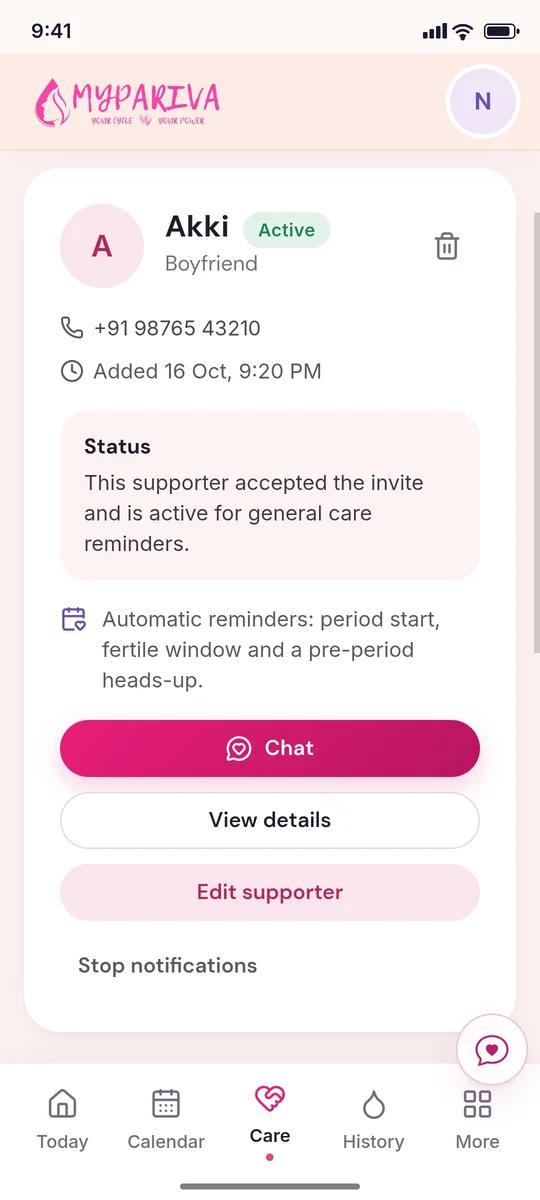
Add a supporter's name, relationship and WhatsApp number. Their status starts as Pending, and nothing is sent until they agree.
Track your day
Log mood, energy, symptoms and period start or end. Everything is private by default.
Insights for you, reminders for them
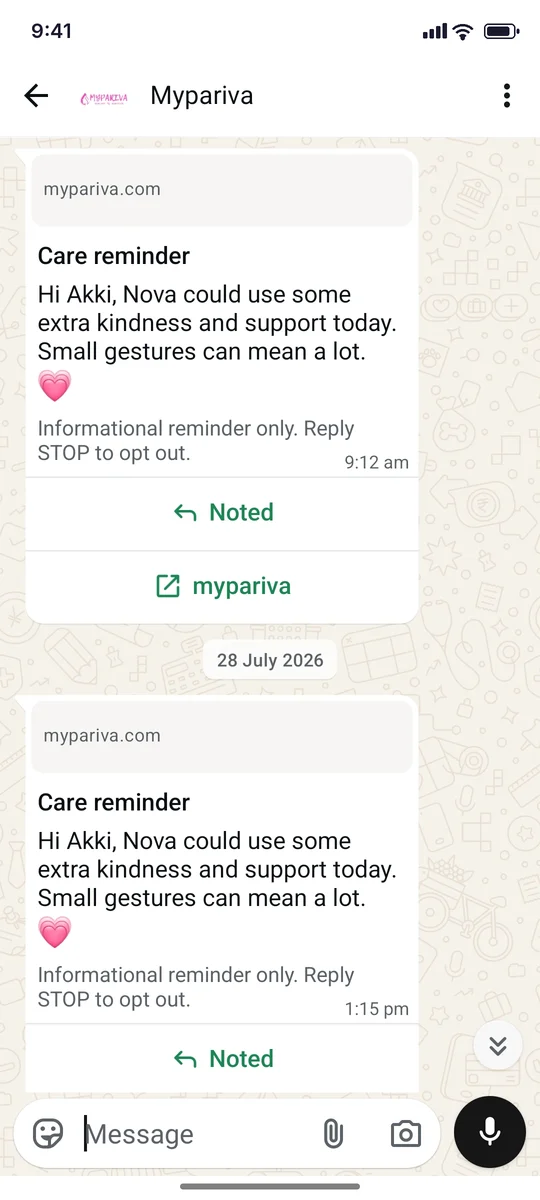
Predictions update with every log. Supporters get a short WhatsApp nudge at a considerate hour.
Behind the scenes
Quiet work, so you don't have to.
Forecasts recalculate every time you log a new period.
Reminders go out ahead of your period, at a sensible hour in your timezone.
Every message sent to your circle is recorded, so you always know what went out.